Part Library Overview
The Part Library allows users to upload, browse, manage, and review parts and assemblies used throughout Stone3D.AI.
Users can upload CAD and supporting files, maintain part information and materials, review 2D and 3D data, compare similar parts, manage assemblies, and link parts to quotes.
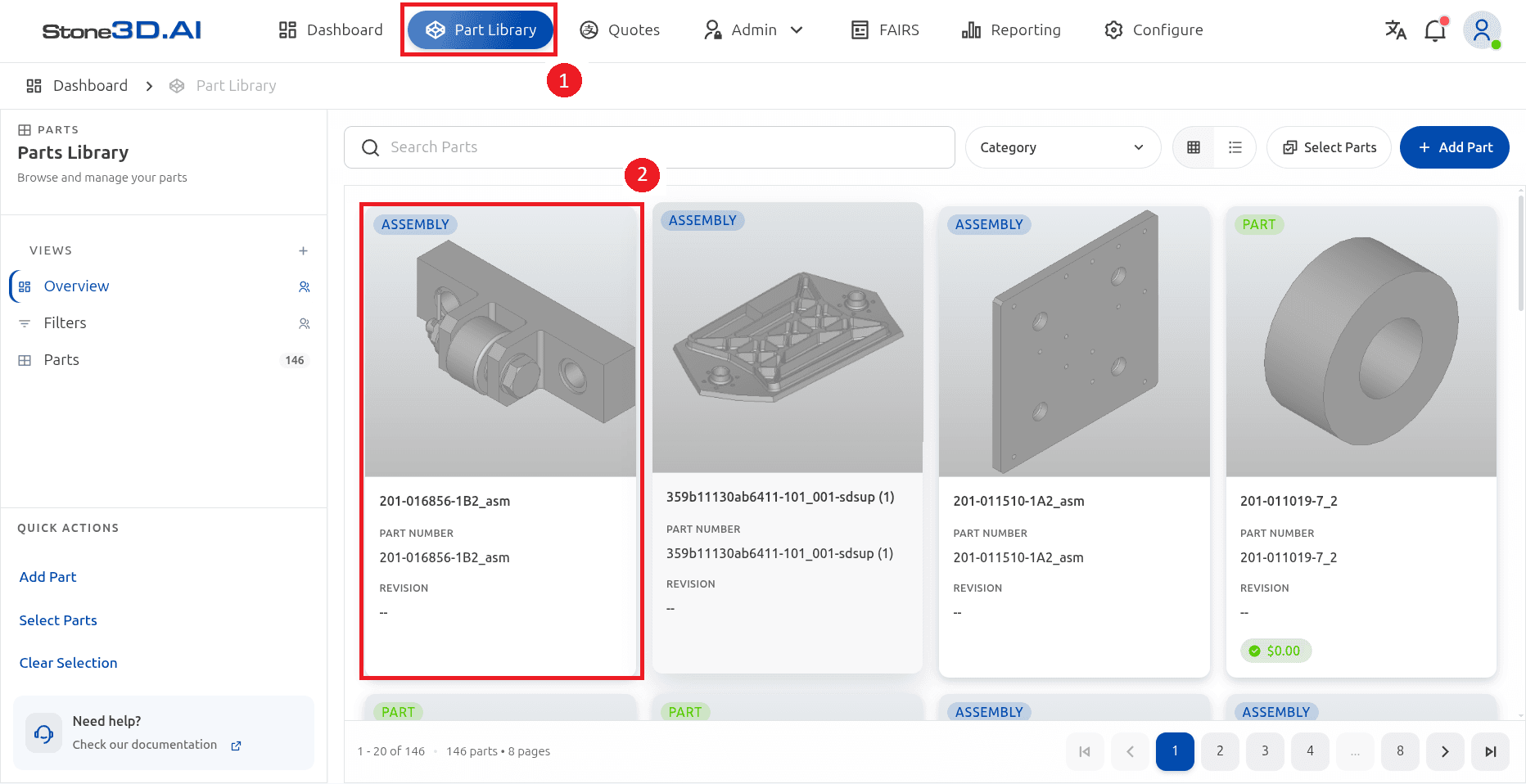
To access the Part Library, select Part Library from the main navigation.
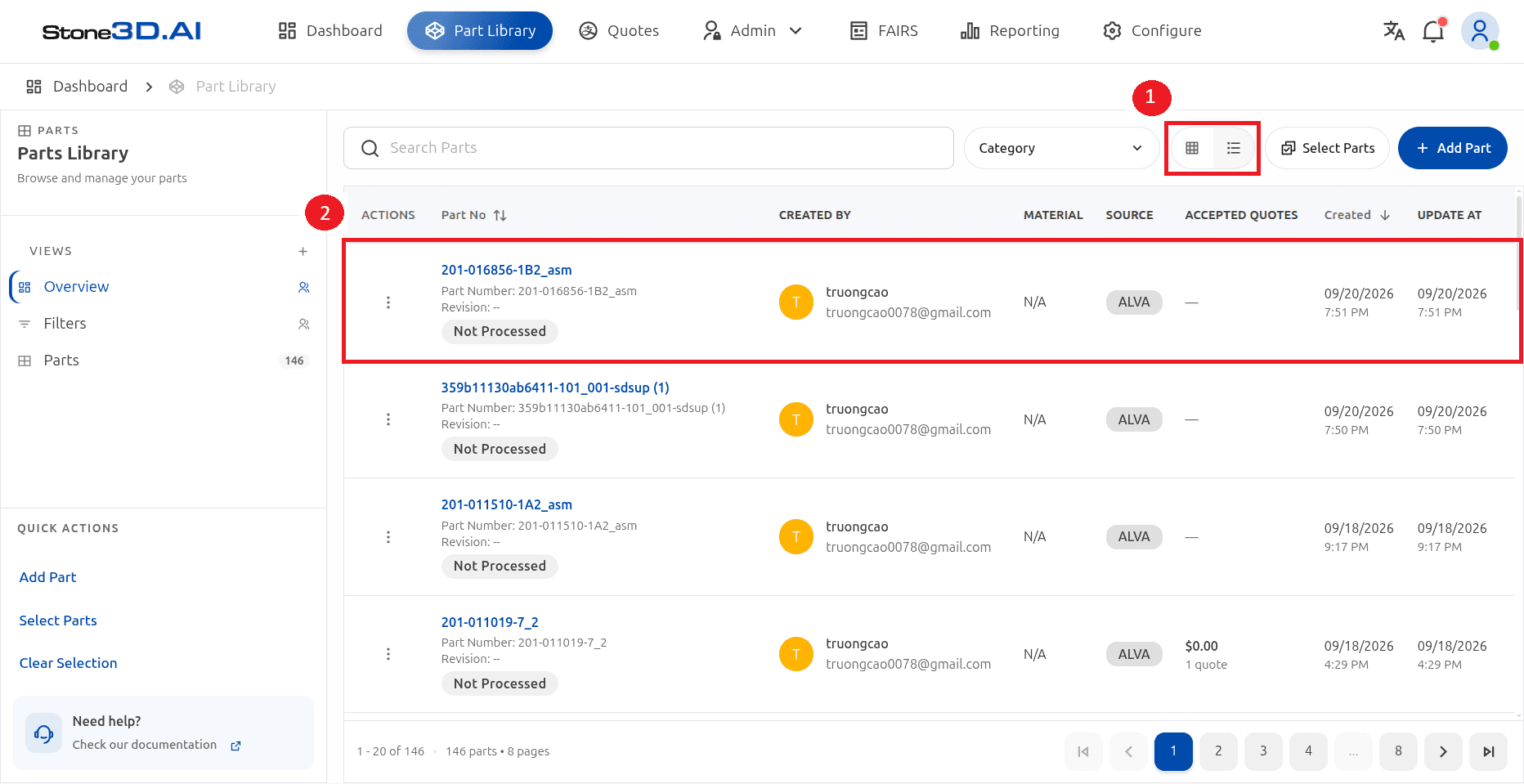
The Part Library provides two views for browsing parts:
- Grid View – displays parts as visual cards with 3D previews.
- List View – displays parts in a table with additional information such as part number, creator, material, source, accepted quotes, and timestamps.
Users can also search for parts, filter by category, select multiple parts, and add new parts.
The Part Library opens in Grid View by default.
Select the list icon to switch to List View.
In this guide
- Add a New Part – upload files and enter part information and material.
- Browse and Manage Parts – Grid View, List View, search, filter, and select parts.
- Part Details – CAD view, files, 2D drawings, quotes, and BOM.
- Compare Similar Parts – find matching or related parts.
- Typical Part Workflow – a suggested end-to-end workflow.
Last updated on